A few months ago I was looking at my gaming computer which was already gathering dust in the corner, without any use after 1 year.
I start thinking, sometimes I need to create containers to test some applications, why don't I use this computer for these types of tests.
So, I started checking which Linux distro exists with a Kubernetes system out of the box. I don't want to lose time installing / configuring everything on a simple ubuntu server, time is money. I Used Arch Linux for many years, I know how to configure everything from scratch, and this takes time, I don't have too much time to spend on server configurations.
After some research I've found TrueNas the old FreeNas but renamed, but this time I've found an interesting thing on TrueNas.
TrueNas Debian Version
Finally TrueNas created a distro which is not based on FreeBSD. TrueNas scale is based on Debian 12 wow \m/ instead TrueNas core which is based on FreeBSD.
I've installed the beta version on my machine, and everything works as expected.
TrueNas applications works with a lightweight kubernetes, https://k3s.io/ like I was looking for.
TrueNas applications work with lightweight kubernetes, https://k3s.io/, so, this is perfect fit my needs.
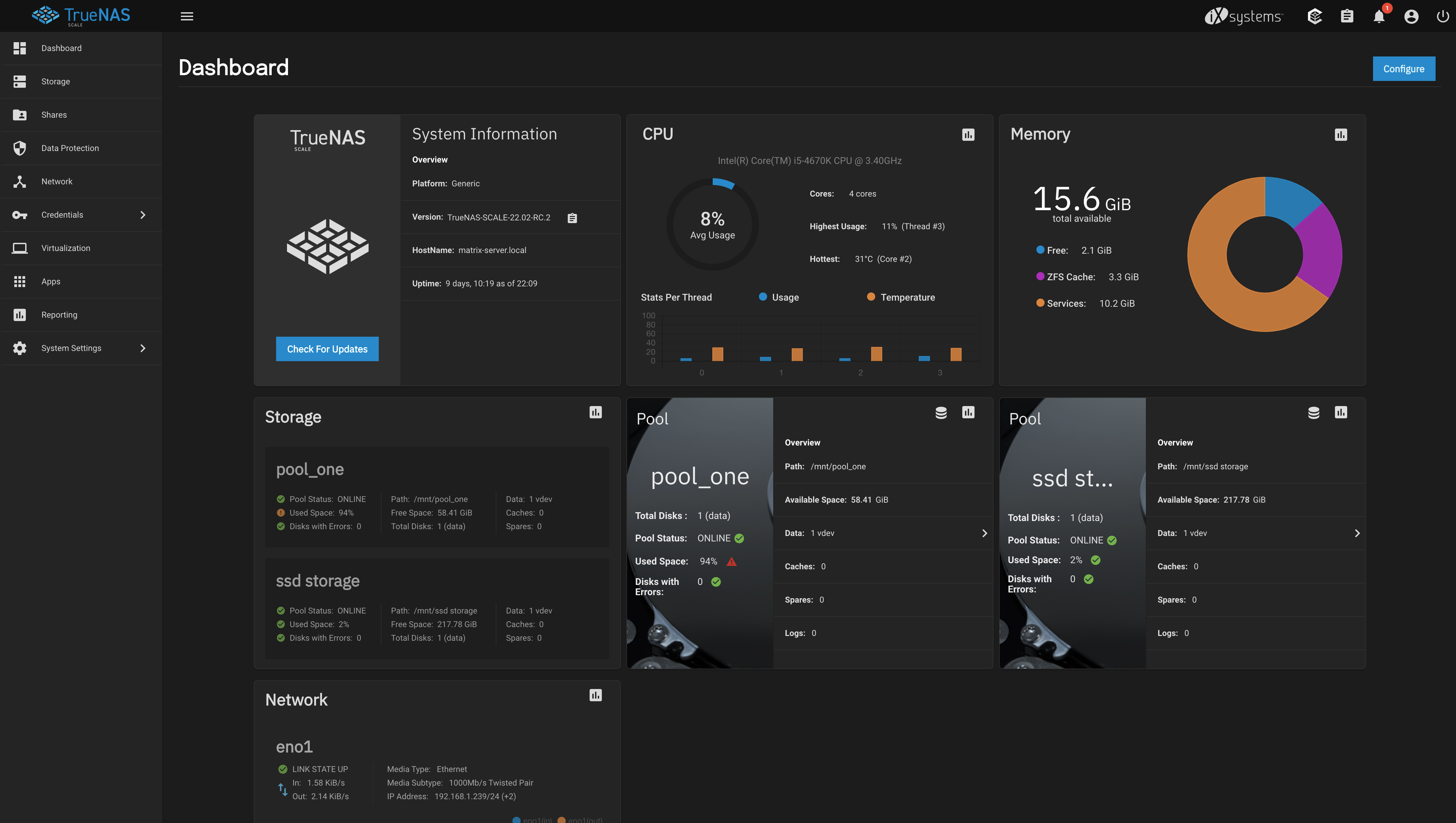
Hardware Specs:
- CPU: Intel i5 4670K Overclocked to 4.1Ghz
- Motherboard: Asus Maximus Formula Ranger VI
- 1 cheap SSD 120GB
- 1 SSD Samsung with 256GB Used
- 1 HardDisk 1TB
- 1 Nvidia GTX 1070
Tips
Boot Disk
In setup installation it’s asked us to choice the disk where the boot partition will be created, note if you select an ssd you be unable to use the free space as a pool.
Some users install the boot partition in a PenDrive, but isn't recommend by TrueNas.
I've bought a cheaper ssd with 120GB for 20€, is enough and better than a pendrive.
TrueNas applications
I did a mistake here, before buying my ssd for boot partition, I've installed the TrueNas applications on my HardDisk, this was a huge mistake, because of this the time to deploy one application increased a lot.
To solve this issue I've moved all my applications to my ssd, and this helped a lot the deployment time decreased to a less than a minute.
Pros & Cons
Pros
- Easy User Interface
- Lot of Applications using TrueCharts
- Easy to install applications
- Traefik out of the box as http proxy manager
- Log Monitoring Out of the box using grafana and Loki application
Cons
- Can't use empty space of boot disk without using "hacks"
- Slow updates for Critical bugs CVE